
DEVELOPMENT EDITION / 1.0
Draw a Path
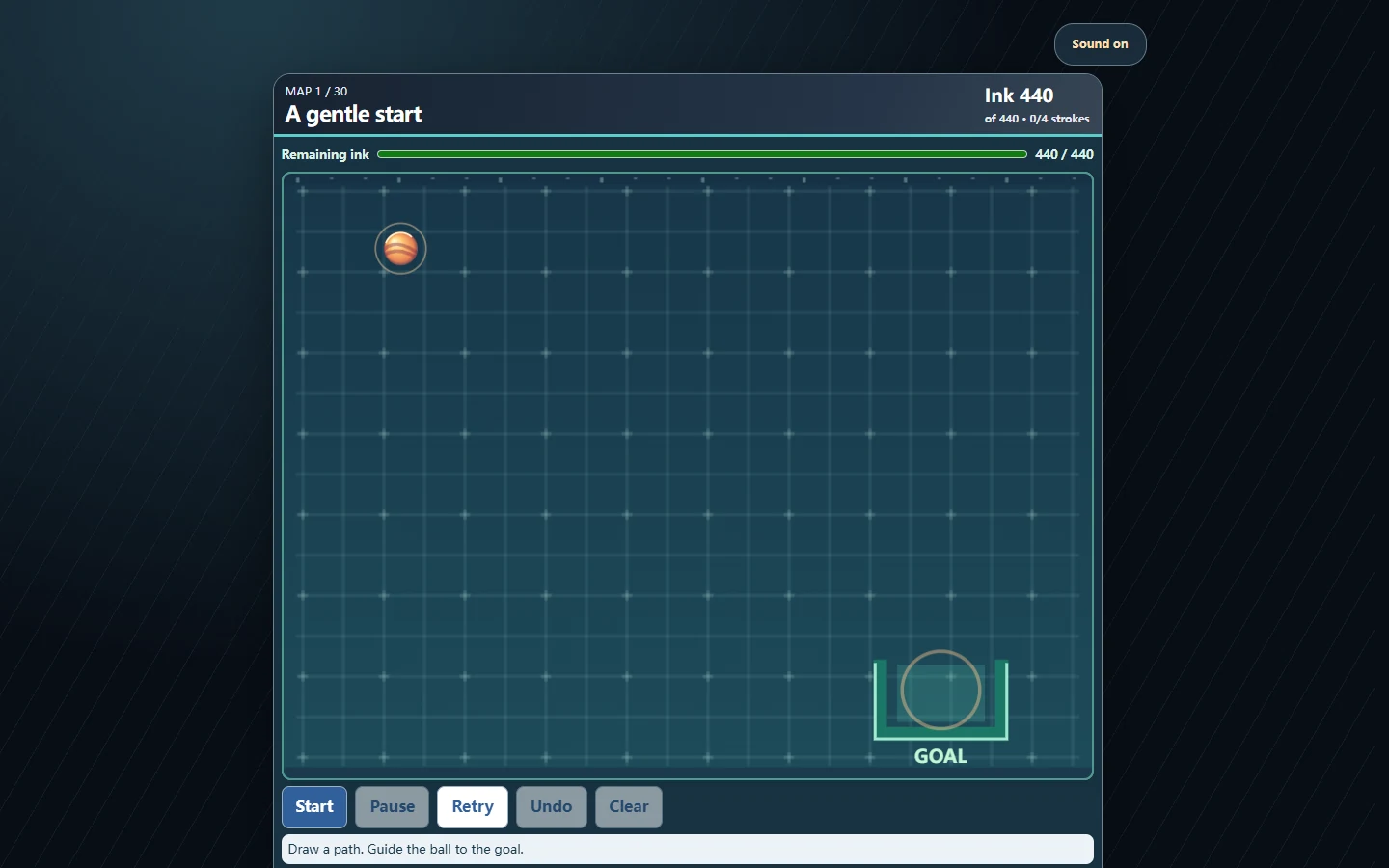
Draw tracks with limited ink and use gravity and collisions to guide the ball to the goal across 45 original maps.
Keyboard / pointer and touch controls · landscape recommended
English and Chinese controls
PLAY NOW ↗01 / THE EXPERIENCE
Draw a Path
Draw tracks with limited ink and use gravity and collisions to guide the ball to the goal across 45 original maps.
02 / GAMEPLAY
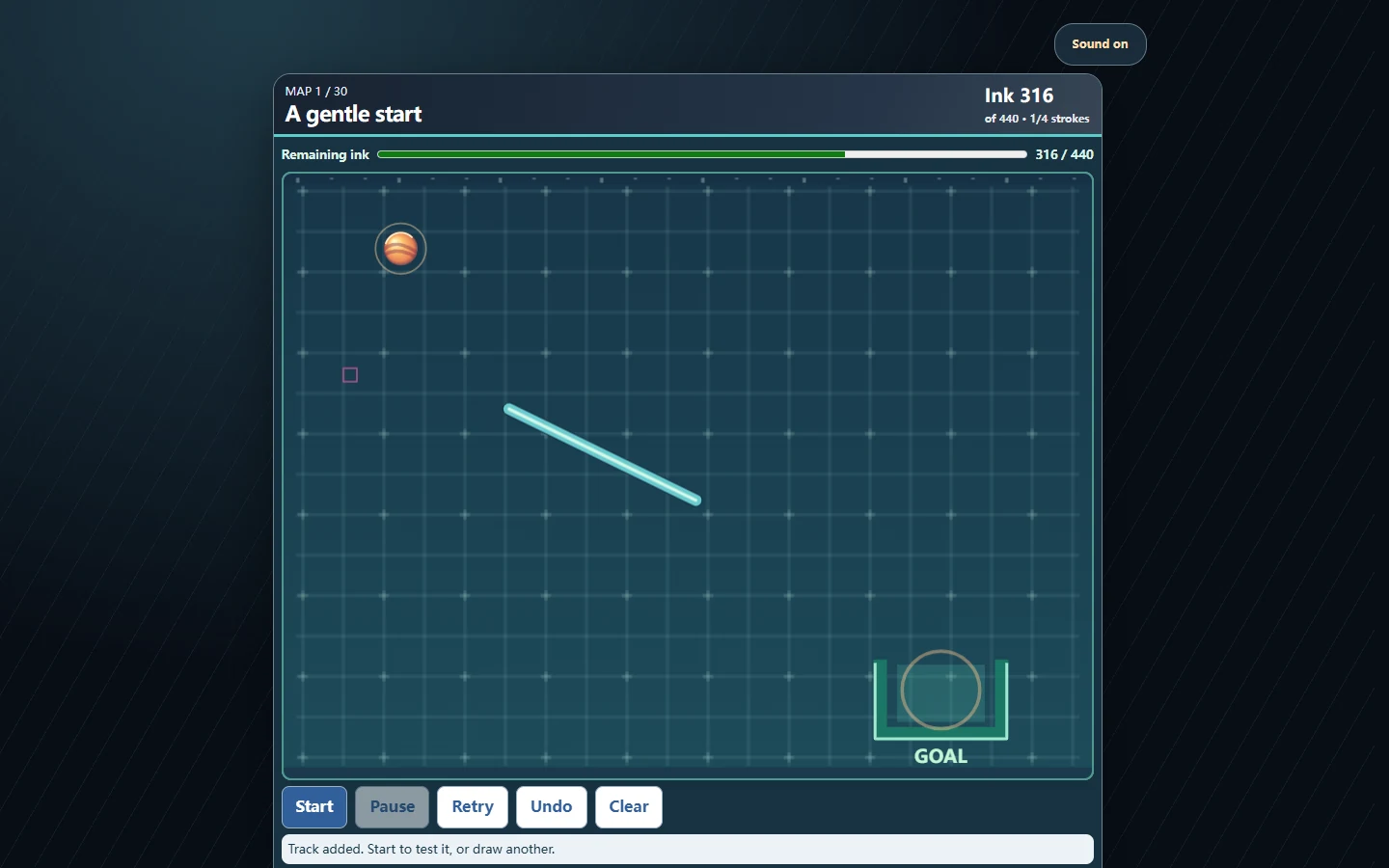
Sketch and test a route, then adjust your lines to work with platforms, springboards and changing gravity across 45 maps.
03 / HOW TO PLAY
Keyboard & mouse
Controls
- Mouse / Touch
- A little ink. A little gravity.
Touch controls
Use the game’s on-screen controls. Landscape gives you more room.
Select / steer
Look / navigate
04 / IN-GAME FRAMES
Inside the game
Captured from this playable version.
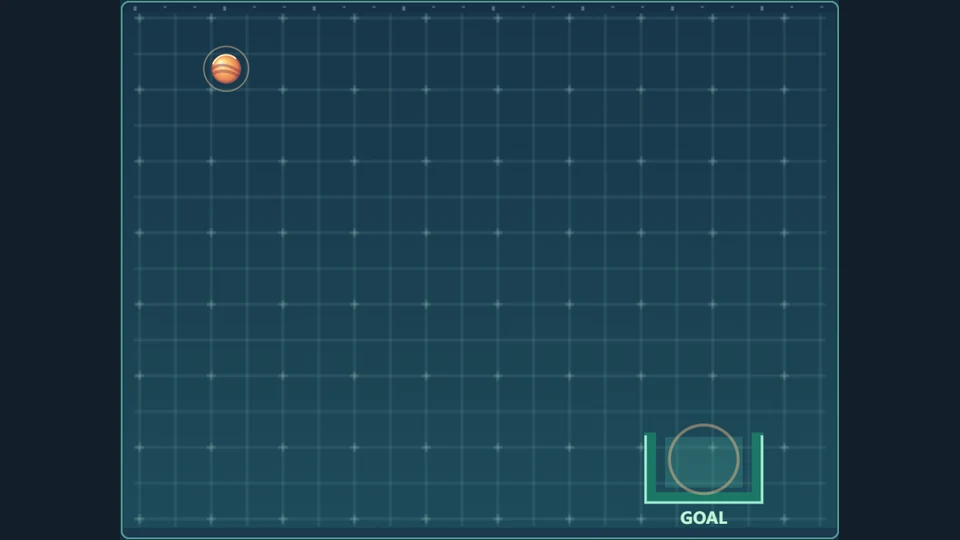
Captured in the game. No concept art.
01 / 03